Clipster Dashboard and Campaign Updates: What Creators Should Check
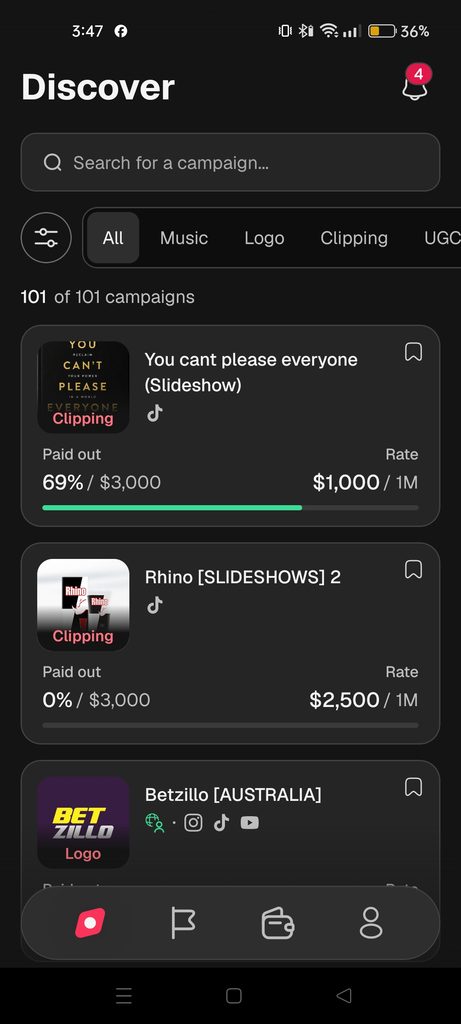
The Clipster dashboard is where creators manage their campaigns watch video submissions and check their earnings.
As the platform changes, dashboard labels, campaign information and creator tools may change.
For someone who regularly participates in campaigns checking these details is important.
A new campaign requirement, updated payment rate or change to a submission status can affect what you should do next.
This guide explains what to check when using the Clipster dashboard how to understand campaign changes and which details creators should review regularly.
Why Should Creators Check Clipster Dashboard Updates?
The dashboard contains information that can change during your creator journey.
- A campaign may. Change its payment rate.
- A campaign may update its content requirements.
- A submitted video may receive a status.